Best CV Analyzer Tools in 2026
Looking for the best CV analyzer? Compare CVoria, Jobscan, Teal, Resume Worded, Enhancv, Kickresume, Zety, Resume Genius, and CV Reviewer.
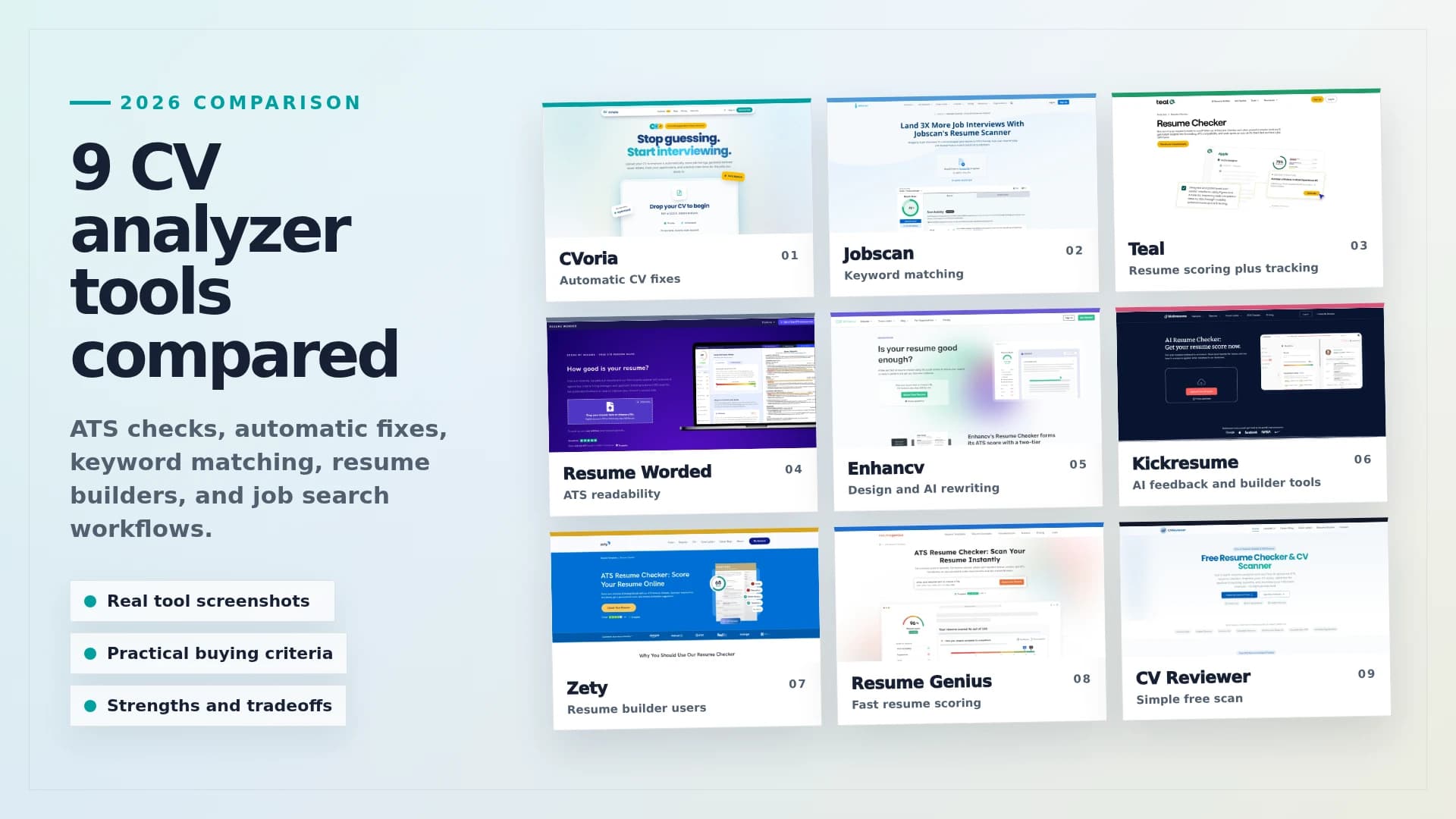
Searching for the best CV analyzer usually brings up a mix of free resume checkers, ATS scanners, AI resume reviewers, and resume builders. Some tools focus on keywords. Others check formatting, structure, grammar, or ATS readability. A smaller number go further by helping you tailor applications, track jobs, write cover letters, and prepare for interviews.
Editorial Disclosure
CVoria is our product. We included it because it solves the full workflow problem this article is about: improving your CV, tailoring applications, tracking jobs, and preparing for interviews in one place.
How we compared these CV analyzers
We compared these tools around the decisions job seekers actually need to make before applying: whether the CV can pass basic ATS parsing, whether it matches a real job description, whether the feedback is specific enough to act on, and whether the tool helps beyond the first score.
- ATS readability: does the tool help catch formatting, structure, section, and parsing issues?
- Keyword matching: can it compare a CV against a specific job description and identify missing role language?
- Feedback quality: does it give concrete fixes instead of generic advice?
- Editing support: can it help rewrite bullets, improve wording, or apply fixes?
- Workflow depth: does it connect CV improvement to cover letters, job tracking, matching, or interview prep?
- Ease of use: can a job seeker understand what to do next without becoming a resume expert?
That is why the list includes both narrow ATS scanners and broader job search platforms. The best choice depends on whether you need a quick check, a job-specific keyword scan, a resume builder, or a complete application workflow.
Quick comparison
A CV analyzer should not just tell you that your CV has problems. The best tools should help you understand what to fix, why it matters, and how to turn those fixes into stronger job applications.
Here is the short version before we go tool by tool.
| Tool | Best For | Main Strength |
|---|---|---|
| CVoria | Automatic CV fixes | Finds CV issues, applies selected improvements to your original DOCX with minimal input, and adds job search tools around it. |
| Jobscan | Keyword matching | Compares your resume against a job description and highlights important missing keywords. |
| Teal | Resume scoring plus job search tools | ATS checks, formatting feedback, resume scoring, and job search organization. |
| Resume Worded | ATS readability checks | Helps identify whether your resume can be read properly by ATS systems. |
| Enhancv | Design and AI rewriting | Resume scoring, ATS checks, skills suggestions, and AI rewrite support. |
| Kickresume | AI feedback and resume building | Scores your resume and compares it with resumes in its database. |
| Zety | Resume builder users | ATS-focused checks combined with templates and ready-to-use content. |
| Resume Genius | Fast resume scoring | Clear reports, score-based feedback, and support for multiple file formats. |
| CV Reviewer | Simple free scan | No-signup resume scoring, ATS compatibility checks, and keyword feedback. |
Detailed CVoria comparisons
If you are choosing between CVoria and one specific tool, these deeper comparisons break down the tradeoffs in more detail.
- CVoria vs Jobscan for keyword match-score optimization vs full application velocity.
- CVoria vs Teal for improving an existing Word CV vs rebuilding inside a job-search dashboard.
- CVoria vs Resume Worded for diagnostic scoring vs a control-center workflow.
- CVoria vs Enhancv for visual resume design vs DOCX control and application action.
- CVoria vs Kickresume for creative resume polish vs operational job-search efficiency.
- CVoria vs Zety for pay-to-download building vs pay-for-progress workflow.
- CVoria vs Resume Genius for fast first drafts vs strategic deployment.
- CVoria vs CV Reviewer for quick diagnostic scans vs practical action after the score.
CVoria
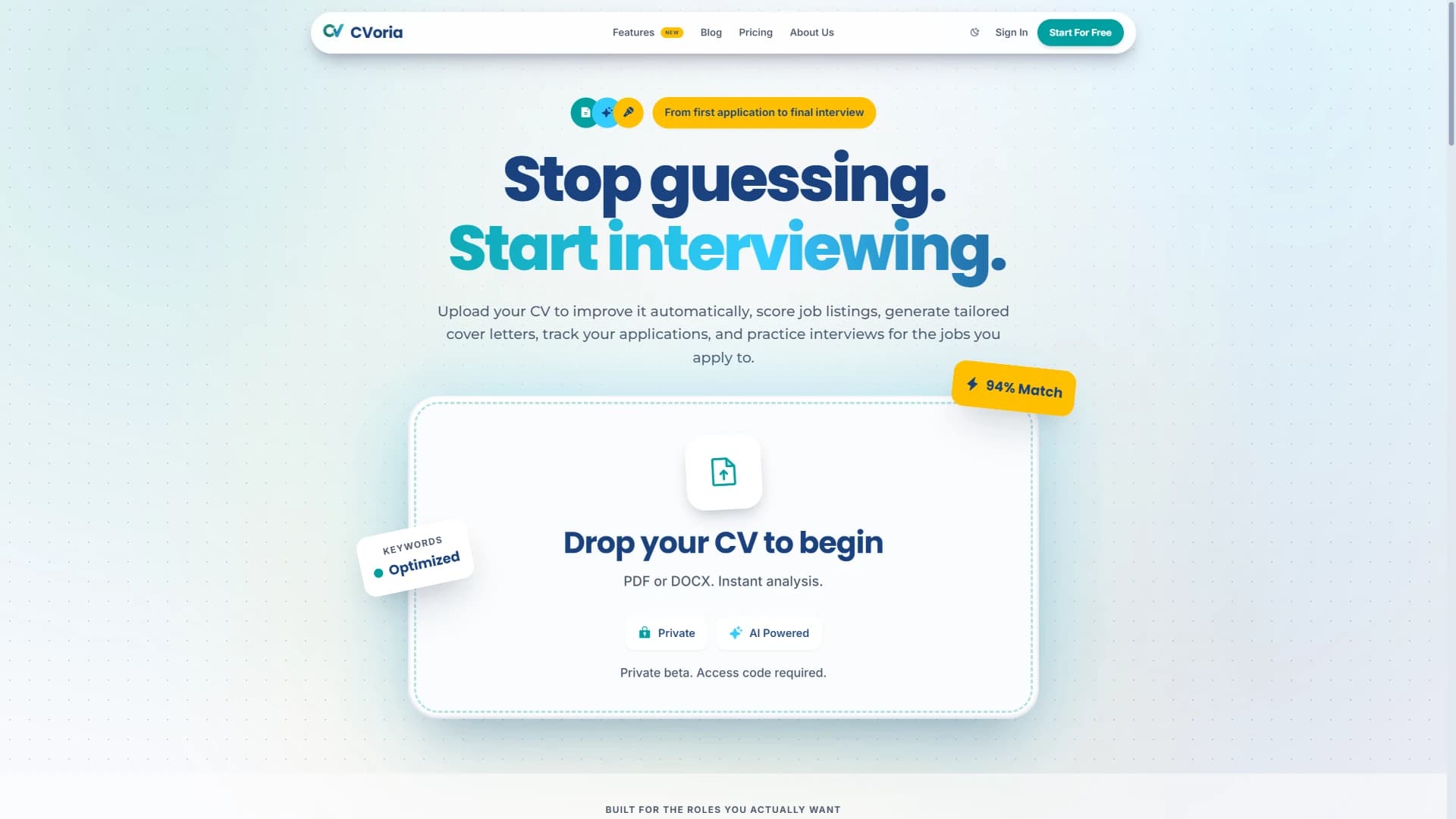
Best for: job seekers who want a tool that can find CV issues and then help fix the original document with minimal input.
The strongest reason to choose CVoria is not just that it scores your CV. It is that it can turn the analysis into actual fixes. You upload your CV, review the issues and suggested improvements, choose what to apply, and CVoria can improve your existing Word CV structure instead of forcing you to rebuild the CV in a new template from advice alone.
That matters because many CV analyzers stop at diagnosis. They tell you that a bullet is weak, a section is unclear, or the wording lacks results, but the editing work is still yours. CVoria is more practical: for Word resumes, it can apply selected fixes within your original layout and provide an improved DOCX to download.
The broader job search workflow is the bonus layer. After the CV is stronger, you can save job descriptions or job links, see CV-to-job match details, generate tailored cover letters, track applications, keep notes, and practice interviews from the same workspace.
CVoria may not be the right fit if you only need a quick keyword-overlap check against one job description. In that case, a narrower ATS scanner may be simpler.
Jobscan
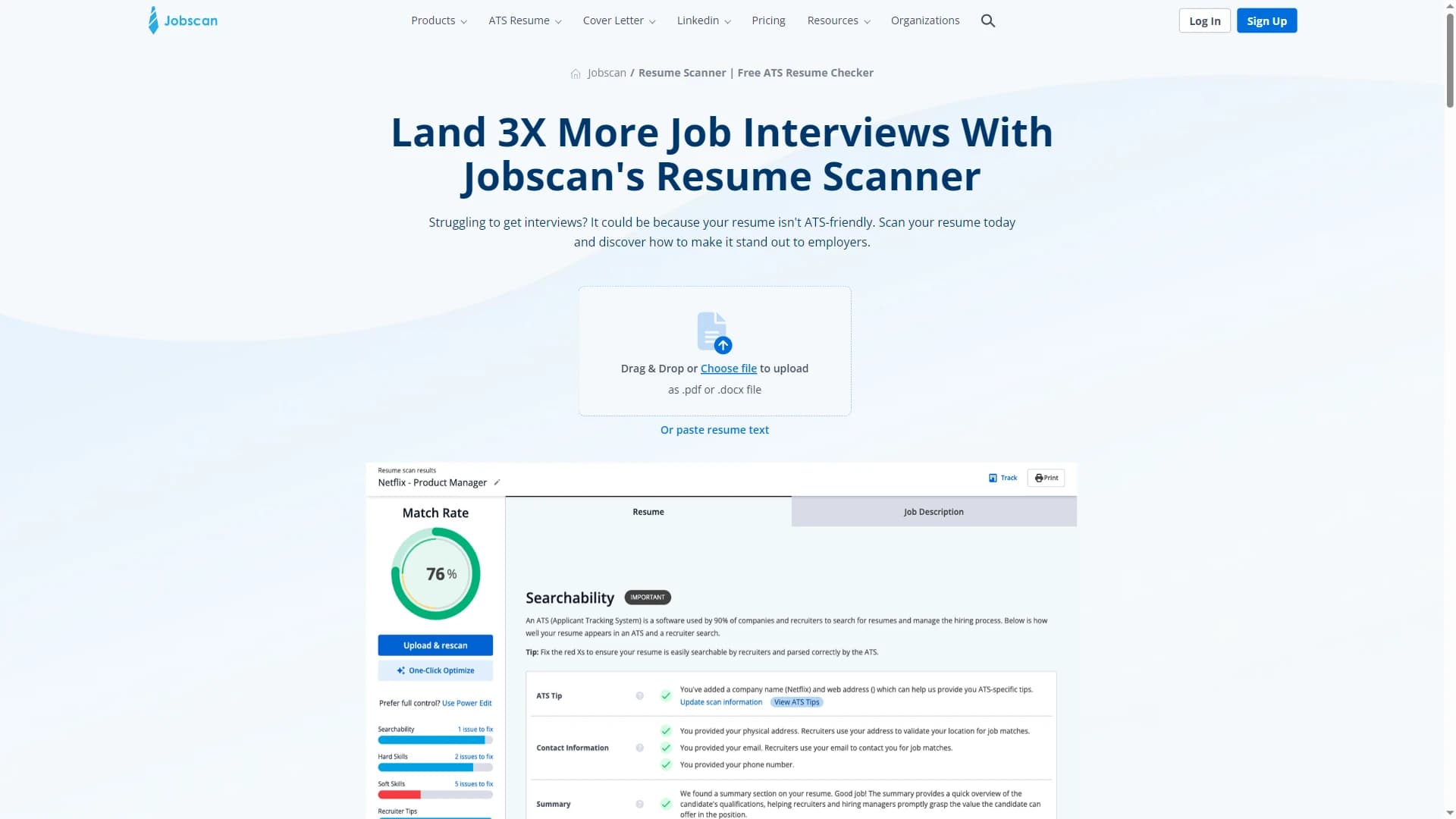
Best for: job seekers who want to optimize their CV for a specific job posting.
Jobscan is one of the best-known resume scanners for ATS keyword matching. Its main workflow is simple: compare your resume with a job description, then identify the keywords and skills that matter most for that specific role.
This is useful when you already have a target job and want to tailor your resume around the language of that posting. It is especially helpful for roles where hard skills, tools, certifications, and job titles are heavily screened.
Teal
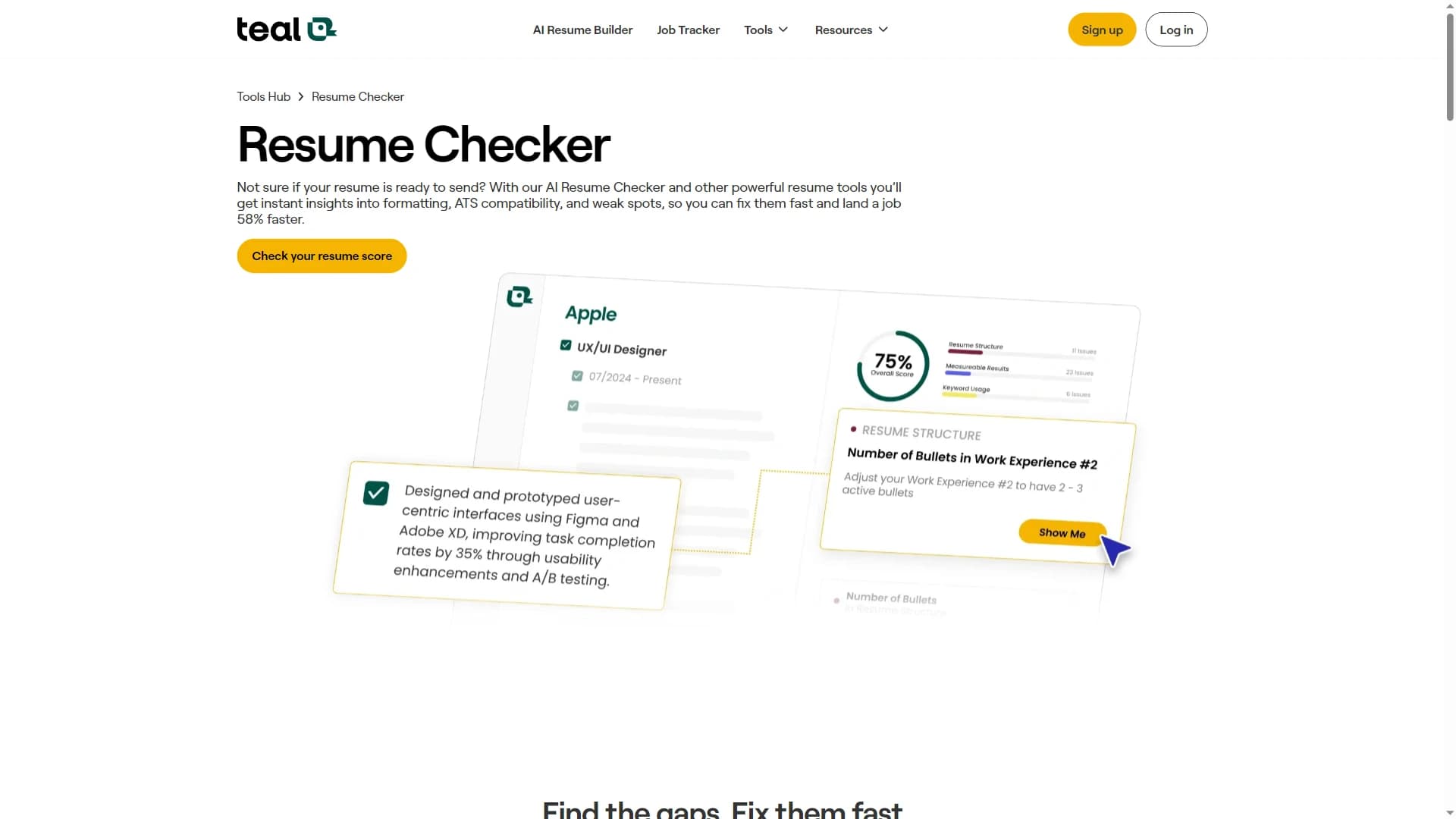
Best for: job seekers who want resume feedback plus broader job search tools.
The Teal resume checker focuses on ATS compatibility, formatting, structure, content strength, keyword usage, and weak spots. It also sits inside a broader job search ecosystem that includes resume building and job application tracking.
That combination can work well if you want a polished resume-building environment with scoring and job search organization in the same place.
Resume Worded
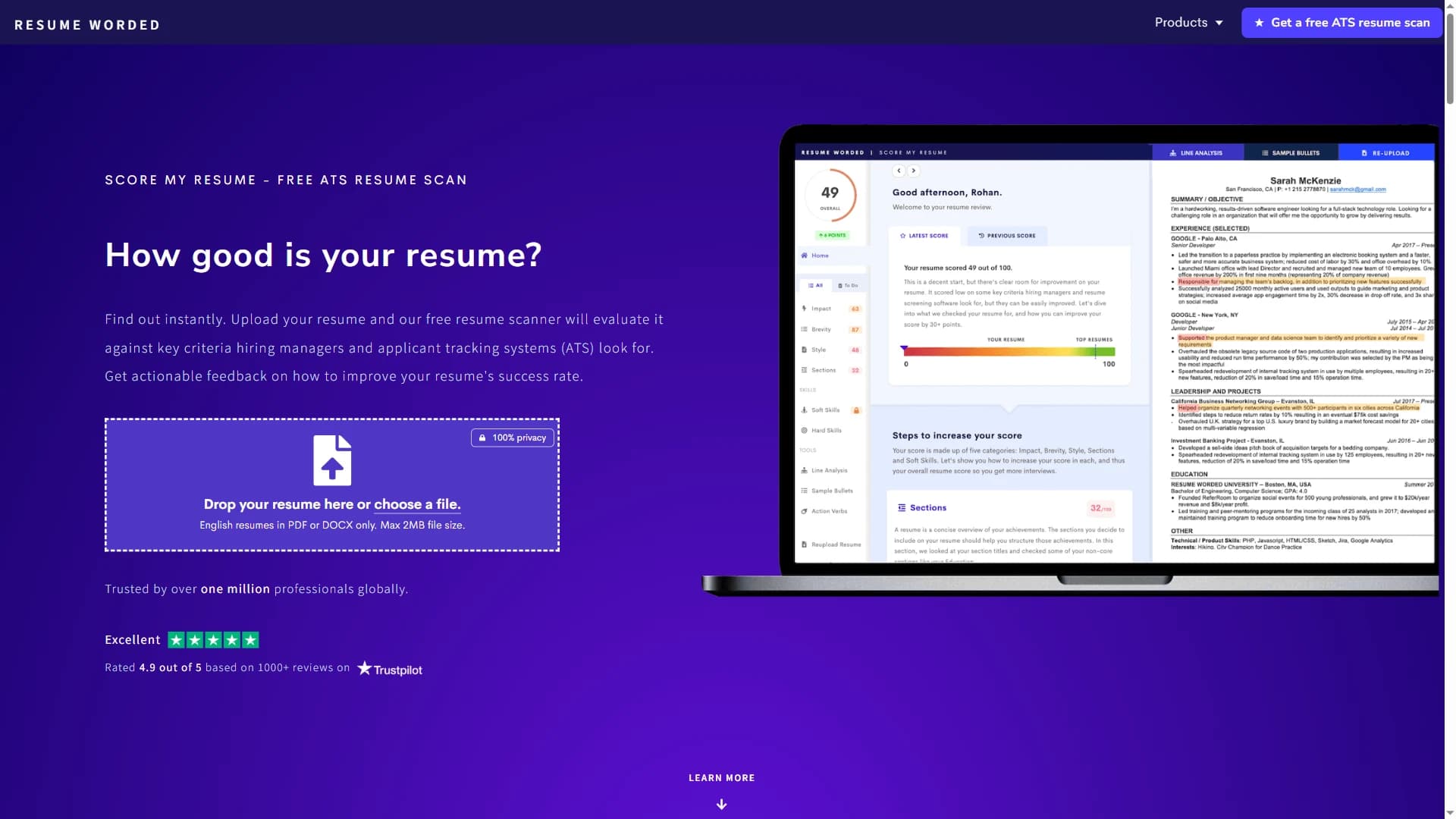
Best for: people who want to know whether their resume can be parsed correctly by ATS software.
The Resume Worded scanner evaluates whether a resume can be read correctly by ATS software and gives feedback on criteria recruiters and hiring managers tend to care about. Its ATS guidance emphasizes practical formatting choices such as standard section titles, readable fonts, single-column layouts, and avoiding complex tables.
This makes Resume Worded useful for candidates who are unsure whether their CV layout is hurting them. A strong CV is not only about what it says. It also needs to be easy for software and humans to read.
Enhancv
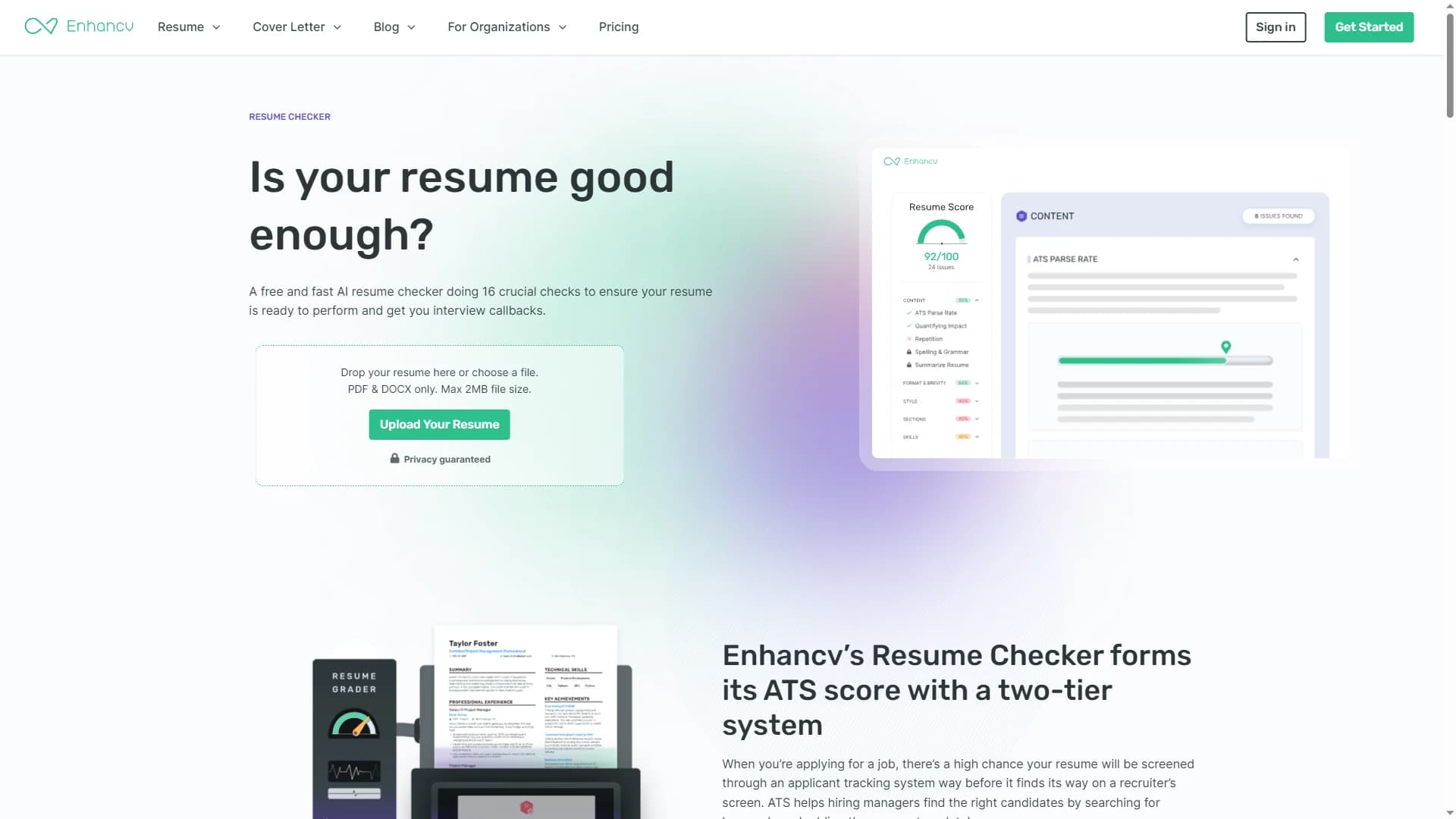
Best for: job seekers who care about resume design, presentation, and AI rewriting.
Enhancv offers a resume checking toolset that covers content, ATS signals, repetition, spelling and grammar, impact, file format, resume length, bullet length, skills, sections, contact information, active voice, buzzwords, and cliches. It also offers AI rewriting based on the resume and job ad.
Enhancv is a good choice if you want to improve both how your resume reads and how it looks. The one caution is that design-forward resumes still need to stay ATS-readable.
Kickresume
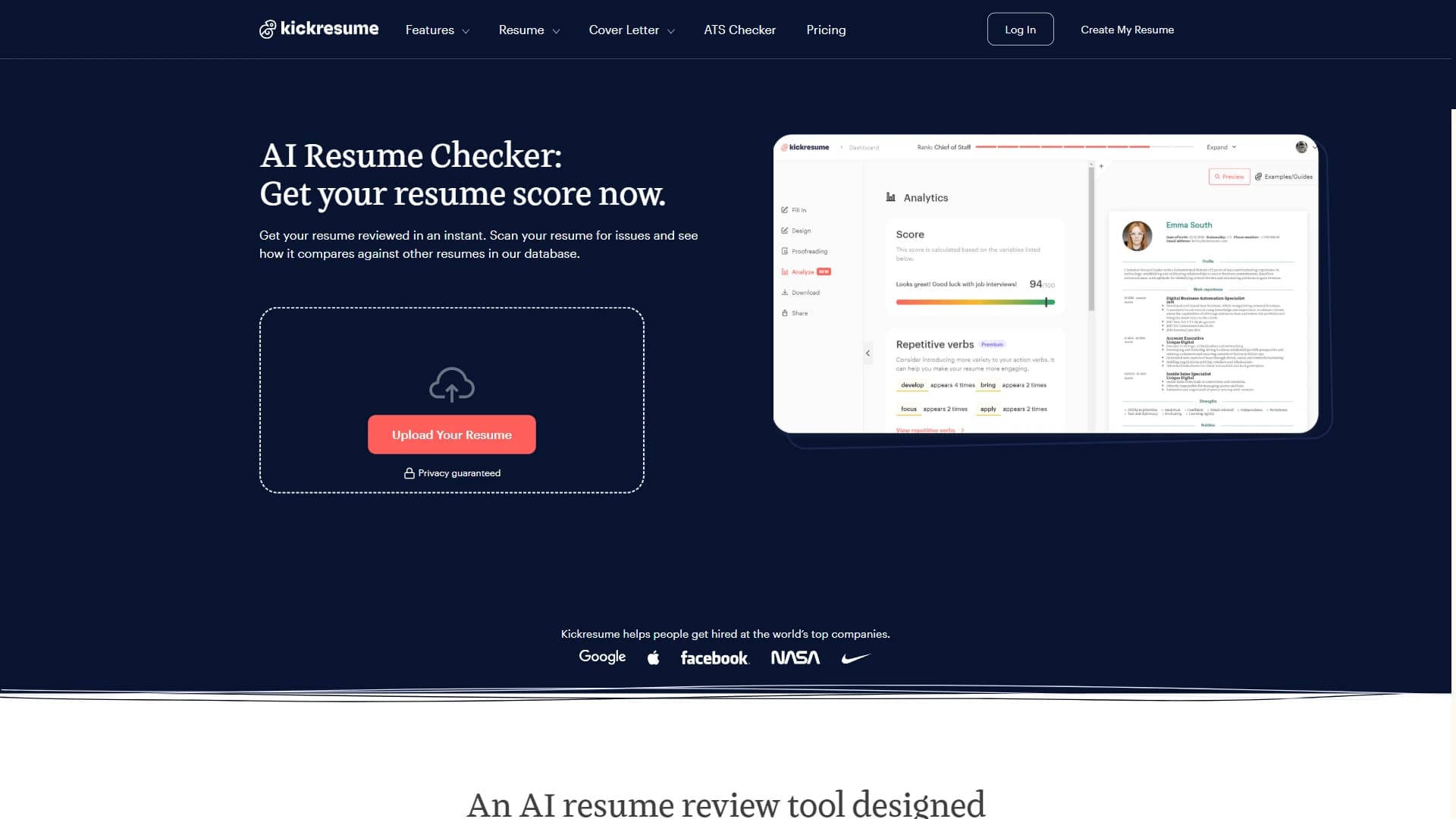
Best for: users who want a resume score, AI feedback, and a builder ecosystem.
The Kickresume AI Resume Checker scans a resume for issues, compares it against resumes in its database, and provides a resume score. The product also includes related tools such as an ATS resume checker, resume builder, cover letter builder, and AI rewriting tools.
One useful expectation to keep: a resume checker is still a tool, not a replacement for a thoughtful human review. It can catch patterns, gaps, formatting issues, and weak wording, but it cannot guarantee interviews.
Zety
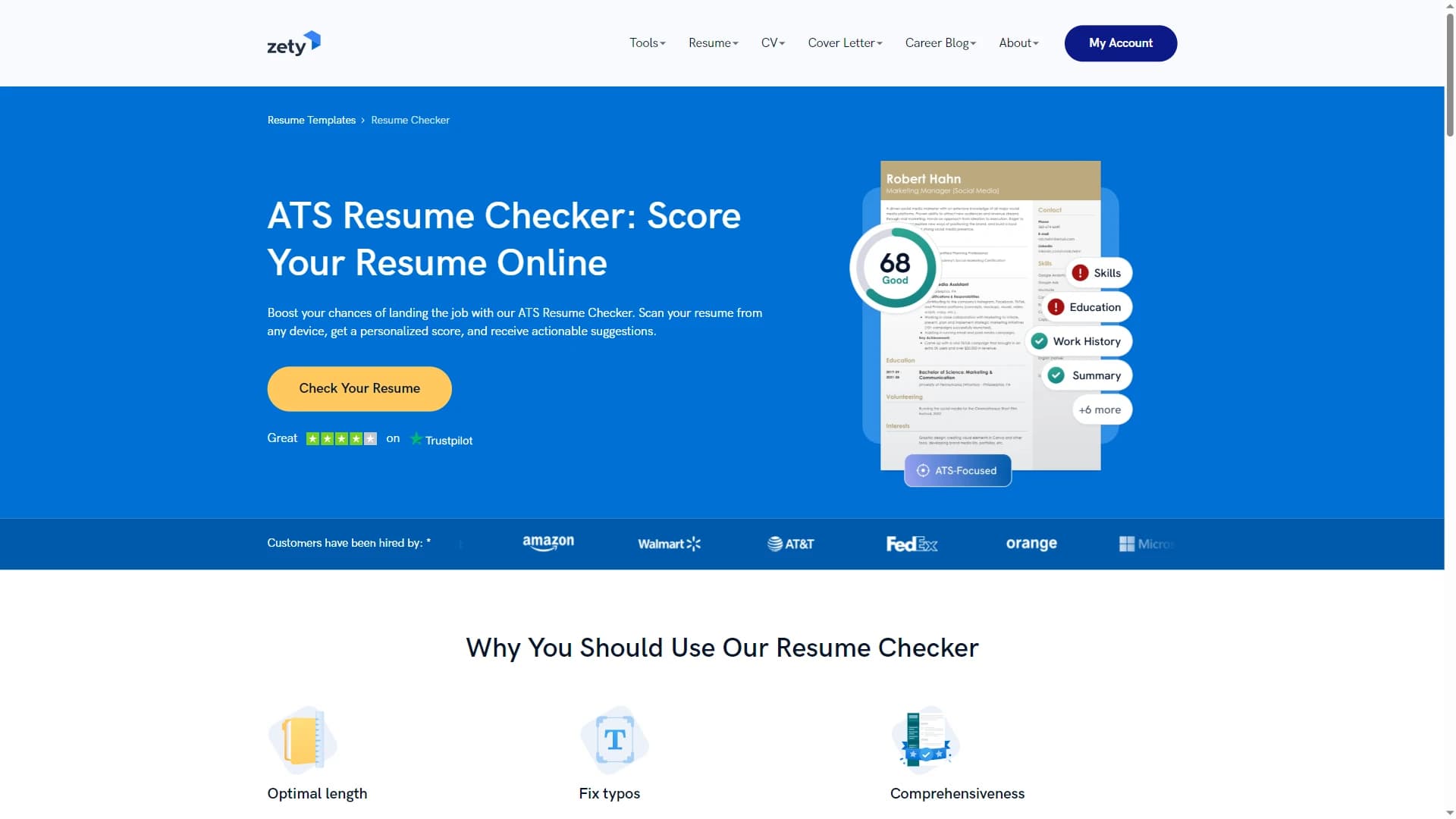
Best for: people who want to build a resume and check it in the same tool.
The Zety resume checker includes ATS-focused checks for keywords, formatting issues, and other potential blockers. It also provides guided tips and ready-to-use content suggestions based on the target job.
Zety is less of a standalone CV analyzer and more of a resume builder with checking and optimization features built in. That can be useful if you are starting from scratch or rebuilding a resume.
Resume Genius
Best for: job seekers who want quick feedback without a complicated workflow.
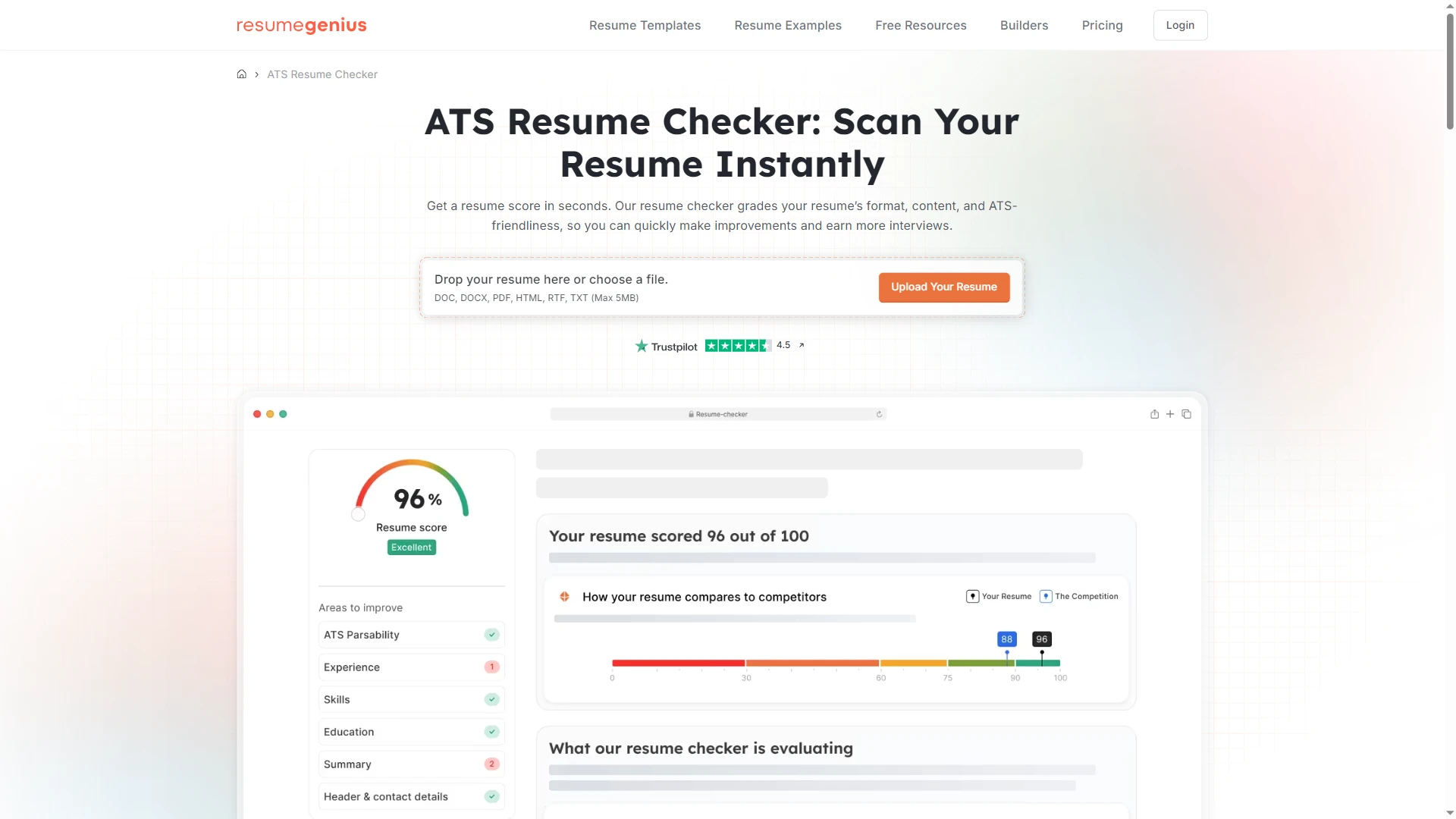
Resume Genius offers an ATS resume checker that scores your resume and suggests improvements. Its checker evaluates layout, formatting, keyword usage, spelling, and grammar, then provides a report showing what worked and what needs improvement.
That makes Resume Genius useful when you want a quick resume score and basic improvement suggestions from an established resume brand.
CV Reviewer
Best for: people who want a fast, free, low-friction CV scan.
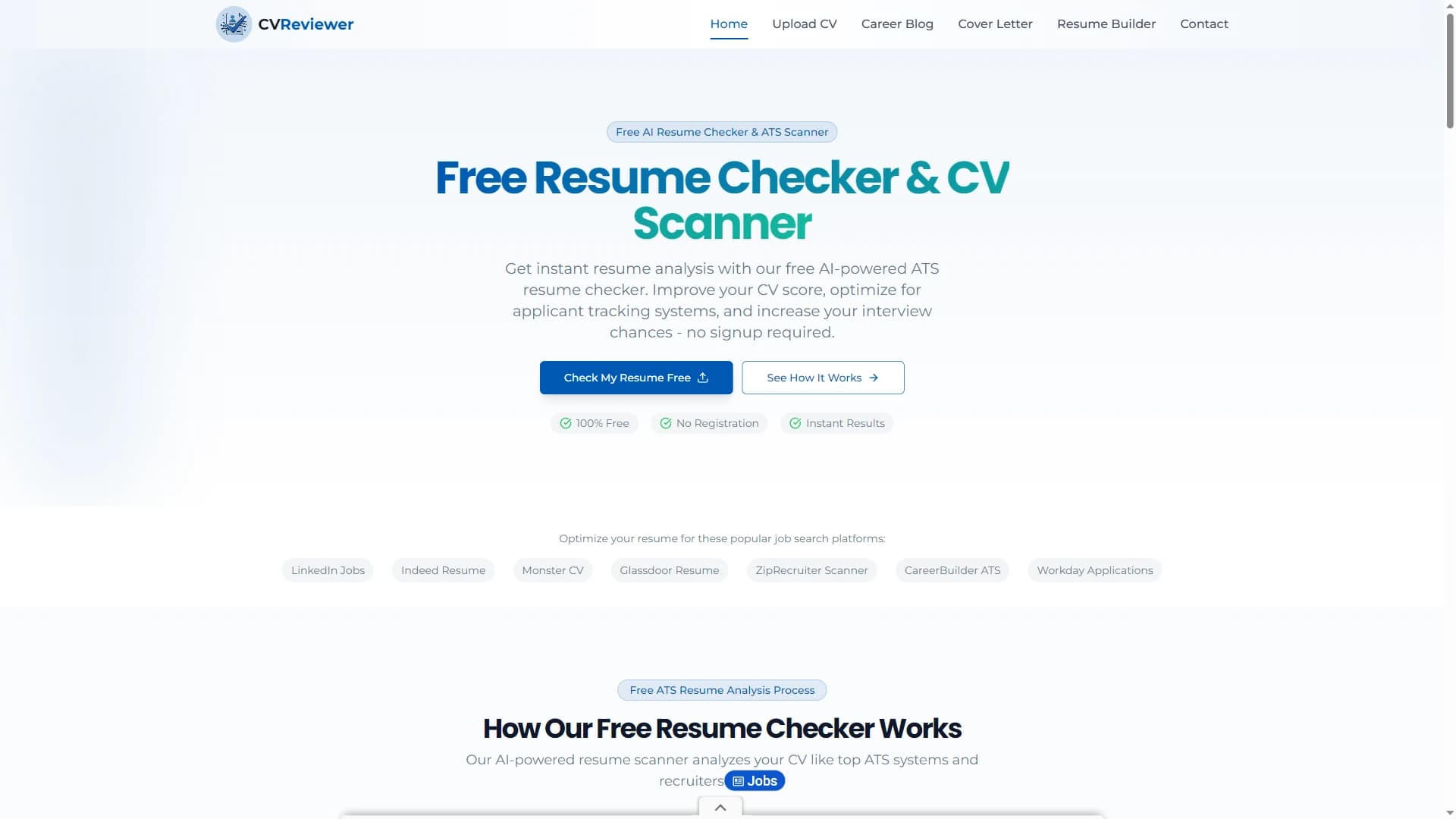
CV Reviewer positions itself as a free AI-powered ATS resume checker with no registration required. Its process includes uploading a resume, checking ATS compatibility, keyword optimization, and formatting issues, then receiving a resume score and actionable tips.
A quick scan can be helpful, especially at the start. Serious job seekers often need a repeatable workflow after that: tailoring applications, tracking jobs, writing cover letters, and preparing for interviews.
What makes the best CV analyzer
The best CV analyzer should do more than produce a score. A useful score is only the start. Look for a tool that helps with the parts of the job search that actually change your results.
- ATS readability: clear section headings, readable formatting, standard fonts, simple structure, and fewer elements that parse badly.
- Keyword and job description matching: the ability to compare your CV against the actual role you want.
- Specific feedback: line-level suggestions, clear priorities, and explanations that show why a fix matters.
- Stronger bullet points: support for turning responsibilities into concrete achievements.
- Automatic fixes: the option to apply selected improvements and export a cleaner document.
- Full application support: job tracking, tailored cover letters, match scoring, notes, and interview practice.
Which one should you choose
Choose based on what you need right now. If you want a quick free scan, try a simple ATS checker like CV Reviewer or Resume Genius. If you want keyword matching against a job description, Jobscan is one of the strongest options. If you want resume scoring plus a builder, Teal, Enhancv, Kickresume, or Zety may fit well.
If you want a complete workflow from CV improvement to applications and interviews, CVoria is the best option to consider because it connects CV scoring, line-by-line feedback, automatic fixes, job tracking, cover letters, match scoring, and interview practice in one place.
Final verdict
The best CV analyzer depends on your goal. For a one-time ATS scan, many tools can help. For a serious job search, the stronger choice is a tool that helps you improve your CV and then use it properly across real applications.
That is where CVoria stands out. Instead of stopping at a CV score, CVoria helps you move from analysis to action: improve the CV, score jobs, track applications, generate tailored cover letters, and practice interviews based on the roles you actually want.
For job seekers who want more than a basic resume checker, CVoria is one of the most complete options to try.
FAQ
What is a CV analyzer?
A CV analyzer is a tool that reviews your CV or resume and gives feedback on areas such as ATS readability, formatting, structure, keywords, grammar, wording, skills, and overall strength.
What is the best CV analyzer?
The best CV analyzer depends on your needs. CVoria is best for a complete job search workflow. Jobscan is strong for keyword matching against a job description. Resume Worded is useful for ATS readability.
Can a CV analyzer guarantee interviews?
No. A CV analyzer can help you improve your document, avoid common ATS issues, and tailor your application, but it cannot guarantee interviews. Hiring also depends on your experience, the role, the competition, timing, recruiter preferences, and the quality of your application strategy.
Is ATS scoring accurate?
ATS scoring is useful as a guide, but it should not be treated as a perfect prediction. Different applicant tracking systems parse resumes differently, and employers configure them in different ways.
Should I upload my CV as PDF or DOCX?
PDF is often good for preserving layout, while DOCX can be easier to edit. Some tools support both. CVoria checks PDF, DOCX, and text CVs, and for Word resumes it can apply selected fixes and provide an improved DOCX while preserving the same basic document structure.
Is CVoria free?
The CVoria Free plan includes full resume analysis and job tracking. Paid access unlocks premium workflow features such as automatic CV fixes, interview coaching, AI cover letter creation, LinkedIn optimization, and priority support.