CVoria vs Teal: Which Job Search Tool Should You Choose?
Compare CVoria and Teal on CV analysis, resume building, ATS checks, job tracking, cover letters, interview prep, pricing, and best fit.
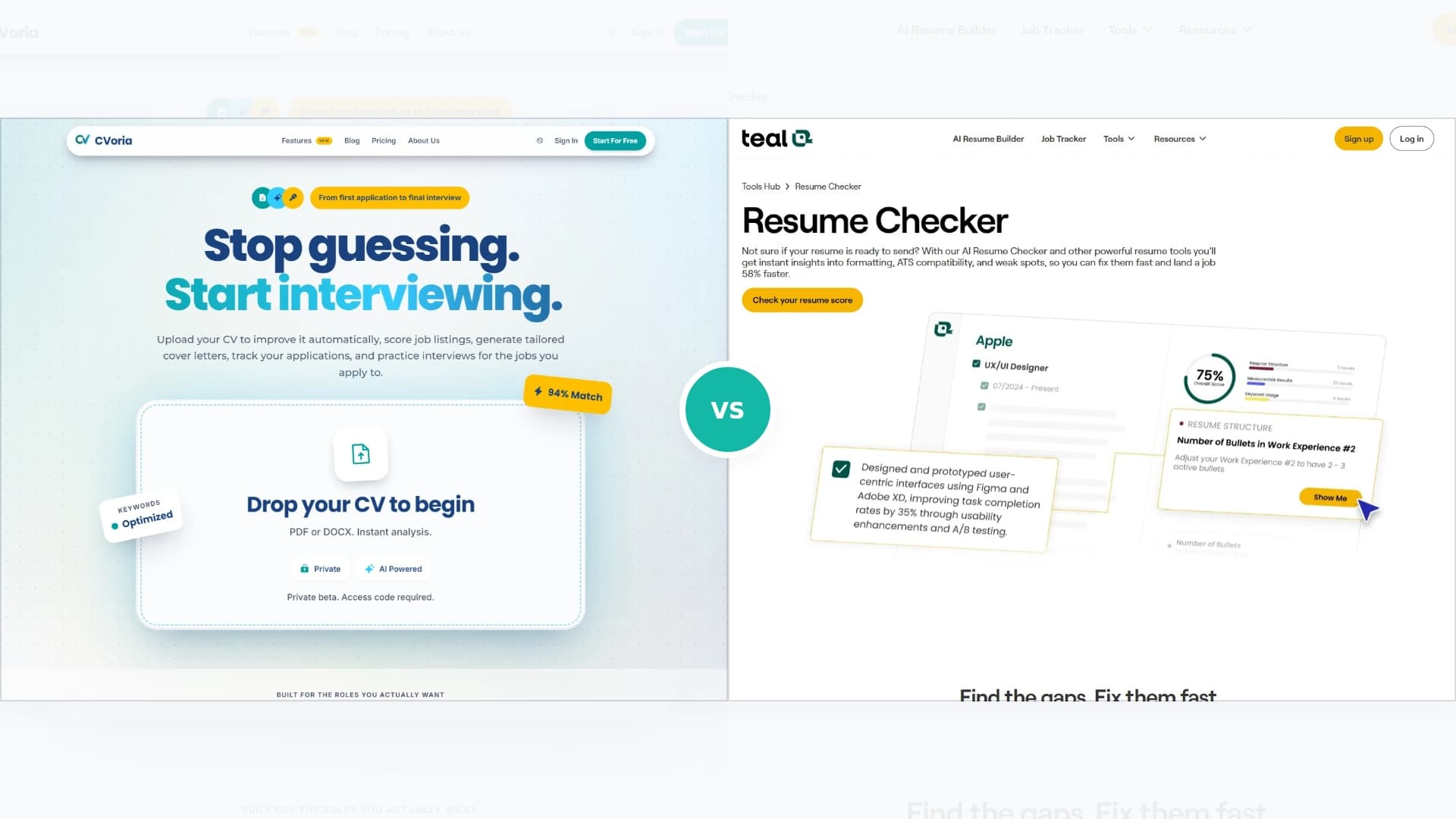
CVoria vs Teal is really an improvement vs. rebuilding decision. Do you want to make the CV you already have stronger, or do you want to recreate and manage your resume inside a proprietary builder?
Teal is strongest when you want resume versions, templates, job tracking, a Chrome extension, keyword matching, and a polished workspace. CVoria is strongest when you already have a Word CV and want the feedback to become applied fixes in the document you actually use.
Editorial disclosure
CVoria is our product. This comparison is written from the CVoria perspective, but the goal is to help you choose the tool that fits your actual job search. Teal has real strengths, and CVoria is not the right answer for every job seeker.
Quick verdict
Choose CVoria if: you already have a CV or resume and do not want to manually migrate everything into a builder. CVoria can apply selected fixes directly to supported Word resumes, then connect that improved document to job matching, cover letters, tracking, and interview practice.
Choose Teal if: you want a strong resume builder, many resume versions, job tracking, browser-based job saving, templates, and keyword matching.
Teal is excellent for builder-led resume version management. CVoria is more direct when the quality-of-life win is improving the CV you already have without rebuilding it somewhere else.
Quick comparison
The short version before we compare CVoria and Teal feature by feature.
| Category | CVoria | Teal |
|---|---|---|
| Core workflow | Improve your existing CV | Rebuild and manage versions in a builder |
| Quality-of-life win | Direct DOCX fixes | Resume version dashboard |
| Best fit | Less copy-paste and reformatting | Templates, variants, and builder control |
| Pricing feel | 90-day pass with guarantee | Standard SaaS-style access |
What Teal looks like
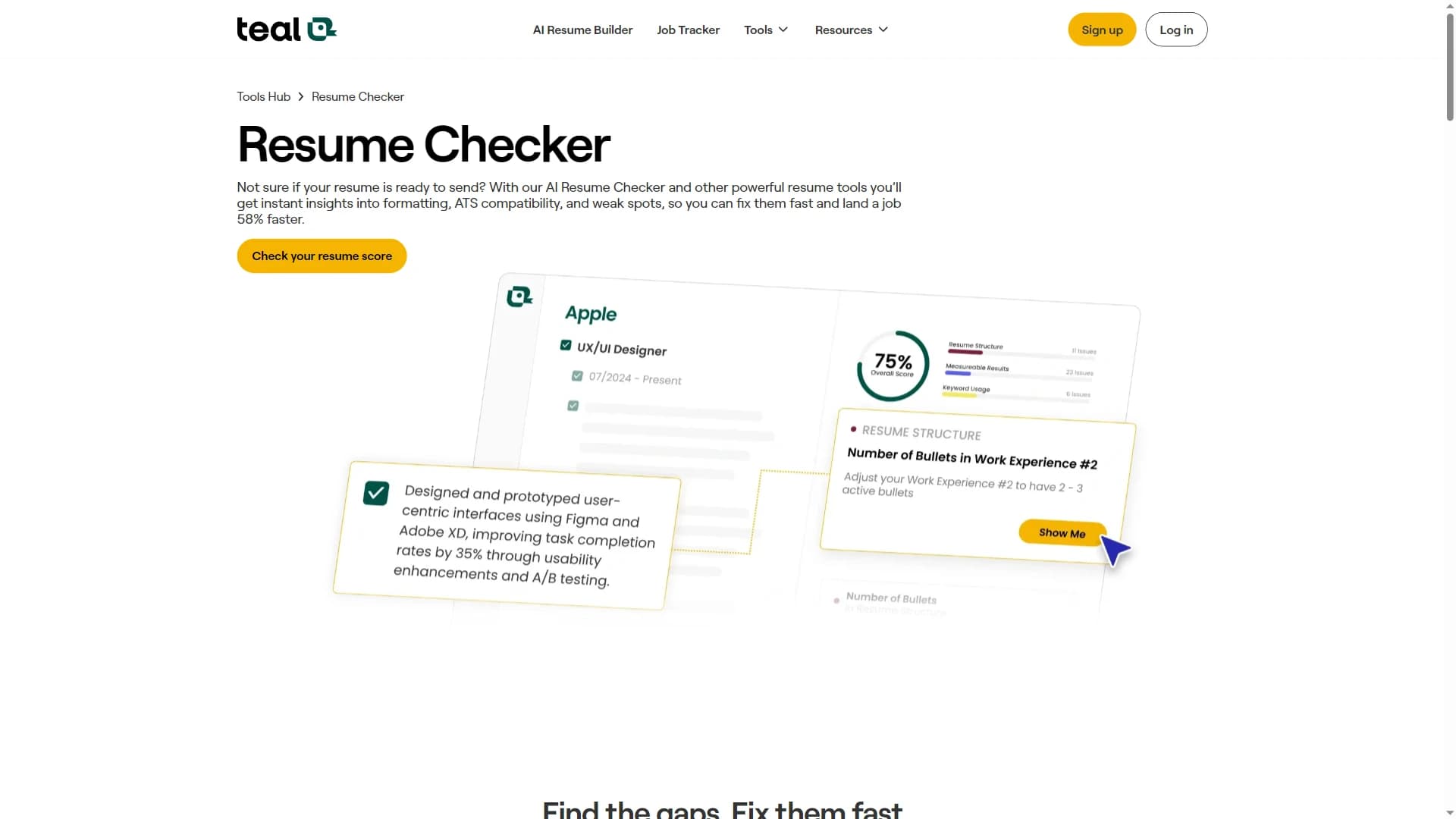
Teal is a polished resume builder and job search organizer. It is especially useful for creating resume versions, saving jobs, tracking stages, using a browser-extension workflow, and managing a broader application dashboard. The tradeoff is that the core resume workflow is builder-centric: to get the most from it, you usually need to move your resume content into Teal and manage edits there.
The main difference
Teal is builder-first. It is designed for creating, editing, tailoring, and exporting resume versions, then organizing job applications around those versions. That works well if you want to live inside the builder.
The frustration for many job seekers is the migration step. You already have a Word CV with the formatting, spacing, section order, and tone you like. Moving it into a proprietary builder can mean copy-pasting sections, checking every bullet, rebuilding formatting, exporting a new file, and then wondering whether the new version still feels like your CV.
CVoria is improvement-first. It starts with your current CV, finds what is weak, helps apply selected fixes directly to supported Word documents, and then connects that stronger CV to saved jobs, cover letters, application statuses, and interview preparation.
Where CVoria is stronger
- Better for improving an existing Word CV without rebuilding everything in a new builder.
- Better for avoiding the copy-paste, reformatting, and version-cleanup work that often comes with builder migration.
- Better when automatic DOCX fixes are the quality-of-life feature you care about most.
- Better when cover letters and interview practice should be tied to each saved job.
- Better if you want CV feedback, job match details, application notes, and interview preparation in one flow.
Where Teal is stronger
- Better for creating and managing many resume versions.
- Better for users who want a mature tracker with browser-extension job saving.
- Better for template-based editing, dashboard workflows, contacts, follow-ups, and resume version control.
Improvement vs rebuilding
This is the most important difference in the CVoria vs Teal comparison. Teal is powerful when you want to rebuild and manage resume versions in a dedicated builder. CVoria is more useful when you want to improve the file you already have.
That sounds small until you have lived through the alternative: copy your experience into a builder, rebuild section order, fix spacing, check that every bullet survived the import, export a new document, and then keep track of which file is the current version. For busy job seekers, that migration work is friction.
CVoria removes a lot of that friction for supported Word resumes. You can analyze the CV, review suggested changes, choose the fixes you want, and download an improved DOCX. The point is not to trap your career history in another editor; it is to make your working document better.
Resume builder and templates
This is a Teal strength. If you want templates, structured editing, multiple versions, and exports from a builder, Teal is the more natural option.
CVoria is not trying to be a template marketplace. Its value is helping you understand whether the CV you already have is clear, credible, ATS-readable, and useful for the roles you want, then improving that same document instead of making you start over.
CV analysis and keyword matching
Both tools can analyze a CV or resume, but Teal does it inside a resume builder. That makes sense if you want to create versions for different jobs and use keyword matching as part of the editing process.
CVoria analyzes the document you already have and is more focused on what to fix next. If you want to keep your current structure and reduce manual rewriting, CVoria is the more direct workflow.
Job tracking and application workflow
Teal has a strong tracker for saving jobs, organizing stages, adding notes, managing follow-ups, and using browser-based job saving. If tracking depth is the main need, Teal is compelling.
CVoria is strongest when the tracker should stay connected to CV match, cover letters, and interview practice. Each saved job can become a practical workspace for the next application step.
Interview practice and LinkedIn support
Both products have expanded beyond resumes. CVoria focuses interview practice around the job description, CV, and optional cover letter, then gives structured feedback on recorded answers.
Teal is a strong broader dashboard if you already live inside its ecosystem. CVoria is better if you want interview prep to feel like the continuation of the CV and cover letter workflow.
Pricing and trust
The pricing story also reflects the workflow difference. Standard SaaS subscriptions often optimize for ongoing tool access. CVoria Pro is framed around a focused 90-day job-search sprint.
CVoria also includes an Active Search Guarantee: if you actively use the product, apply to 25 jobs, complete 5 practice interviews, and do not receive an offer during your 90-day access window, you can contact CVoria for another 3 months free. That does not guarantee employment, but it does make the pricing model feel more results-oriented than a typical recurring subscription.
Which one should you choose
Choose CVoria if...
- You have a CV and want to know why it is underperforming.
- You want selected fixes applied to a supported Word resume instead of manually migrating everything into a builder.
- You care about keeping control of your DOCX and reducing copy-paste, import, export, and reformatting work.
- You want job matching, cover letters, tracking, and interview practice connected to the same saved roles.
- You prefer a 90-day job-search pass with an active-use extension guarantee over a standard subscription feel.
Choose Teal if...
- You want to build resumes from scratch or manage many versions.
- You want a mature job tracker with Chrome-extension saving, contacts, notes, and follow-ups.
- You like builder-based editing and want templates as a central part of the workflow.
Final verdict
Teal is a strong resume builder and job search dashboard, especially for people who want many resume versions and a mature tracker.
CVoria is the better fit when you want to improve the CV you already have instead of rebuilding it. Its ability to apply selected fixes directly to supported Word resumes is a major quality-of-life advantage for job seekers who are tired of copying, pasting, reformatting, and managing duplicate resume versions.
The 90-day Pro pass and Active Search Guarantee reinforce that same idea: CVoria is built around a focused job-search outcome, not just another open-ended software subscription.
FAQ
Is CVoria better than Teal?
CVoria is better for existing-CV improvement, automatic DOCX fixes, and a CV-to-application workflow. Teal is better for resume building, versions, templates, and tracker depth.
What is the biggest quality-of-life difference between CVoria and Teal?
CVoria can apply selected fixes directly to supported Word resumes, which helps you avoid manually migrating your resume into a builder, rebuilding formatting, and managing another version of the same document.
Which is better for job tracking?
Teal is stronger if you want a dedicated tracker with extension-based job saving and follow-up tools. CVoria is better if tracking should stay tied to CV match, cover letters, and interview preparation.
Does CVoria have a success guarantee?
CVoria includes an Active Search Guarantee: if you apply to 25 jobs and complete 5 practice interviews during your 90-day access window without receiving an offer, you can contact CVoria for another 3 months free. It is not an employment guarantee, but it is a results-oriented access extension.
Can I use both?
Yes. Some job seekers could use CVoria to improve the main CV and Teal to manage many resume versions or browser-saved jobs, but most people should start with the tool that solves their biggest bottleneck.